My iPhone has been running really slow lately even though the battery health is still above 80%. Apps take longer to open, scrolling feels laggy, and the phone sometimes gets warm during basic use. I thought performance issues usually started when battery health dropped lower, so I’m trying to figure out what else could be causing this and what I should do to fix it.
I ran into this right after an iOS update and thought my phone was on its way out. It wasn’t. The ugly part is how random it feels. One day apps open fine, next day the keyboard drags and scrolling looks broken. In my case, a wipe was not needed.
How long I waited after the update
If your phone started dragging right after a fresh iOS install, I’d leave it alone for 48 to 72 hours first. iOS does a pile of cleanup and rebuild work in the background after a big update. Photos get reindexed. App data gets rebuilt. System files get reorganized. You don’t always see it, but you feel it.
I left mine charging on Wi-Fi overnight for two nights. Performance got better on its own. If you’re still seeing the same lag after a full week, I wouldn’t blame the update anymore.
Why apps suddenly feel worse
I saw two common causes.
First, old app builds. Some apps were fine on the prior iOS version, then turned messy on the new one until the developer pushed a patch. Open the App Store and install all pending updates. I’d do this before touching any settings. A stale app build can drag the whole phone down and make it look like iOS is the problem.
Second, low storage. This one got me. iPhones lean on free internal space for temporary working data during multitasking. When storage gets cramped, apps start tripping over each other. Stuff which used to feel smooth starts hanging for no obvious reason.
Why good battery health didn’t help
Mine was above 80 percent battery health, and the phone still felt slow. So I went down the battery rabbit hole for nothing.
From what I found, the performance throttling tied to battery wear matters once battery capacity drops under 80 percent. If you’re above that and the phone still feels sluggish, the battery usually isn’t the first suspect.
Low free space was the bigger issue for me. iOS seems to behave a lot better when you keep around 10 to 15 percent of total storage open. Once I got below that range, I started seeing all the classic junk. Laggy apps. Sticky keyboard. Choppy scrolling. Delays opening the camera. It felt like the phone had no room to breathe.
Why calls were still fine
This part confused me at first. Calls worked normally while apps crawled.
The reason is boring but useful. Phone calls rely on separate cellular hardware, the baseband side of the device, while your apps, browser, keyboard, and camera depend on the main processor and storage. So if calls are normal but the rest of the phone feels bad, that points more toward a software or storage issue than dead hardware.
What fixed it for me
I tried the usual stuff first. Restart. Network settings reset. Background App Refresh off. I got tiny gains, nothing major.
The thing that changed the phone was clearing storage, and most of the waste was in Photos. Not apps.
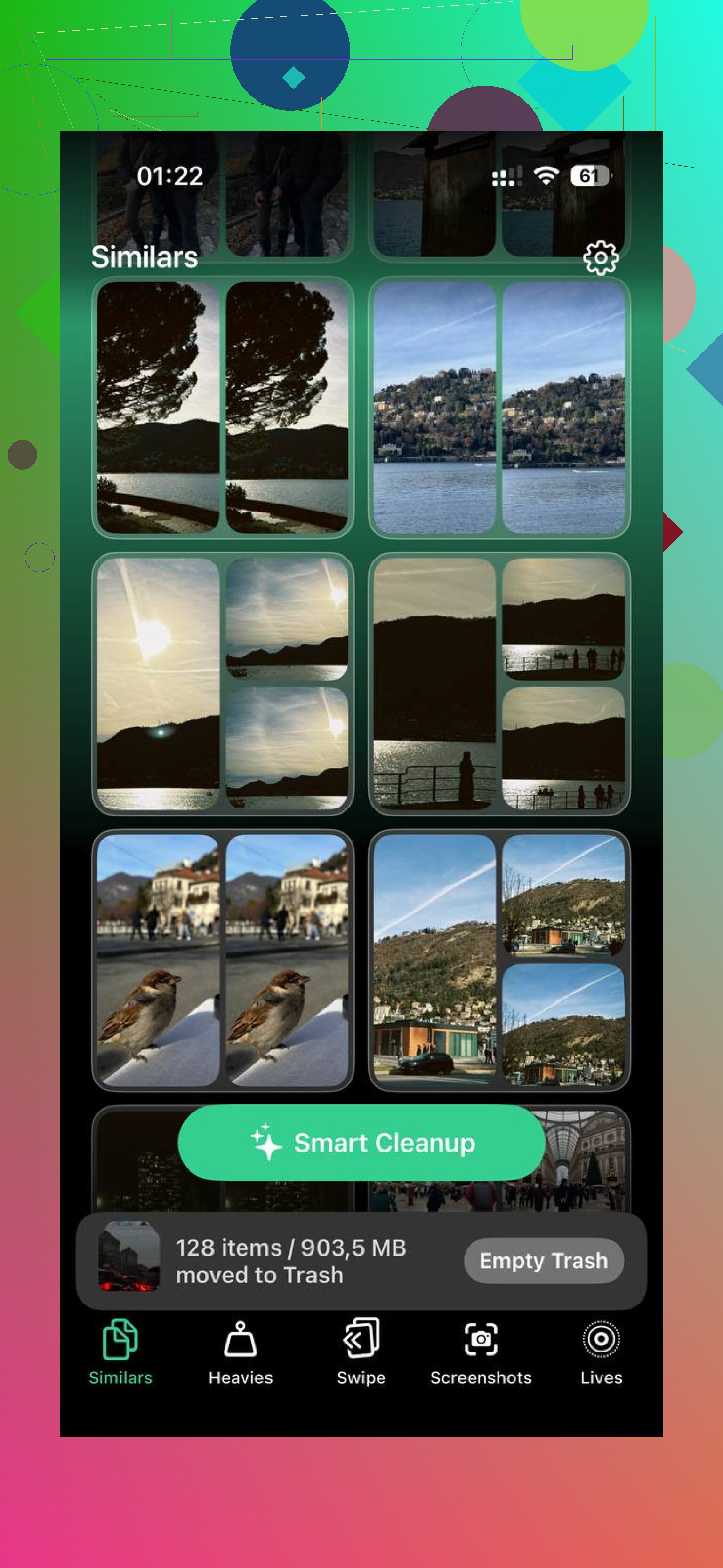
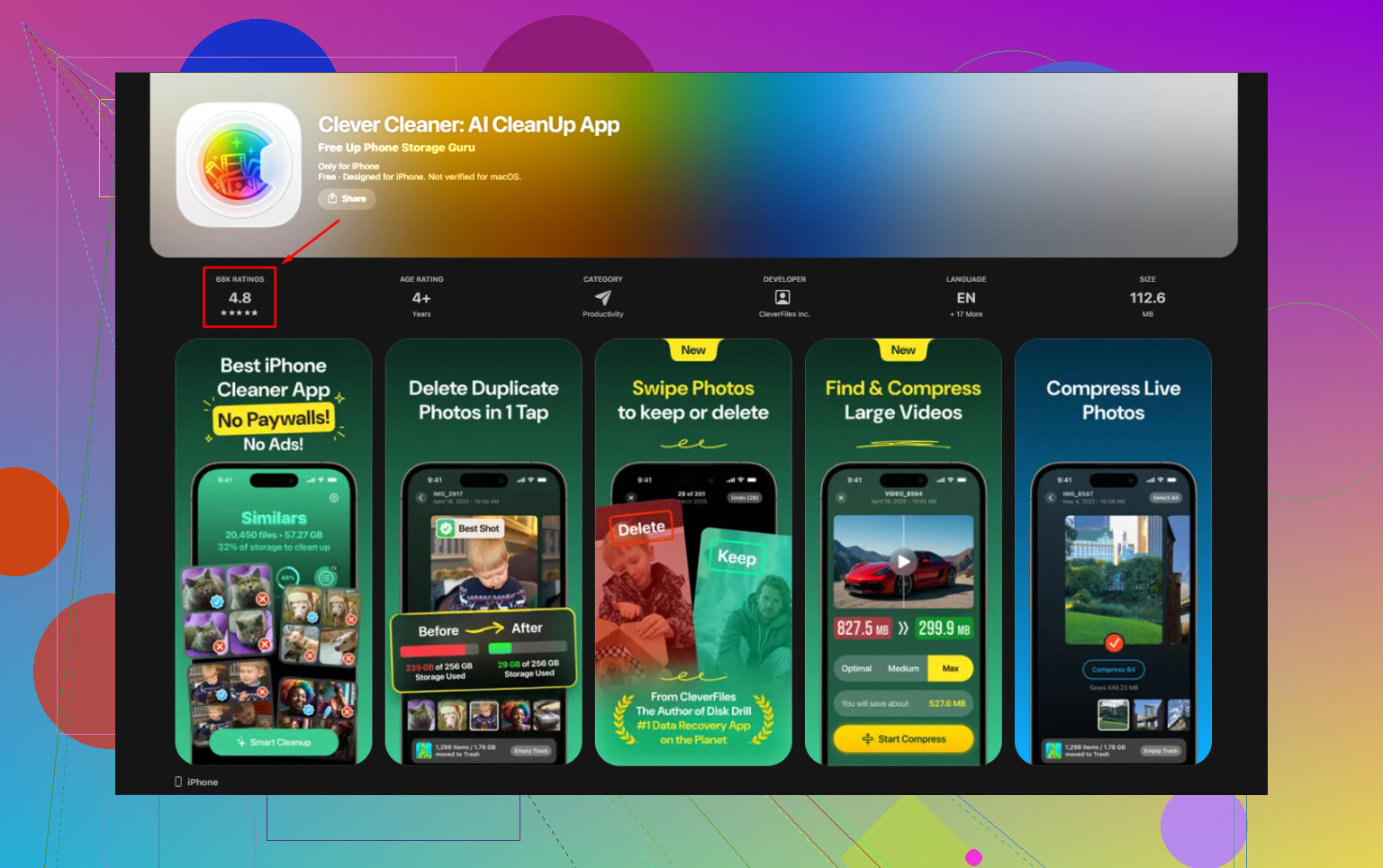
I used Clever Cleaner because doing it by hand was taking forever. The useful part for me was how it exposed the largest files first, so I didn’t have to hunt. It also grouped near-duplicate photos, which helped with burst shots and the five almost-identical pics I always forget to delete.
I removed about 15 GB. Then I emptied Recently Deleted in Photos. This part matters more than people think. Deleted photos still sit there for 30 days and keep using storage until you clear them out.
Path is simple:
Settings are not involved here.
Photos app, Albums, Recently Deleted, Delete All.
Before I emptied that folder, the storage number barely moved and I thought I’d done something wrong. Nope. Apple just keeps the trash around.
If your iPhone is still slow after freeing space
A few things helped me test what was going on.
If the phone feels warm, let it cool off before you judge anything. I took the case off and left mine alone for around 20 minutes. Heat reduces performance to protect the hardware, so testing while the phone is hot gives you bad data.
I also turned on Reduce Motion:
Settings > Accessibility > Motion > Reduce Motion
That cuts down the interface animations. On a phone under strain, it makes things feel quicker even if the raw hardware hasn’t changed.
Also check Low Power Mode. If you leave it on all day, you’re asking the phone to trade speed for battery life. I forgot mine was enabled once, and yep, the slowdown felt a lot like a bigger issue.
Last thing I’d try if none of this helps after a week:
Settings > General > Transfer or Reset iPhone > Reset > Reset All Settings
I did this on an older iPhone a while back. It didn’t erase photos or apps. It only reset system settings, and it cleared up some weird lag I couldn’t pin on anything else.
Short version
Wait 2 to 3 days after a major iOS update.
Keep the phone charging on Wi-Fi overnight.
Update all apps.
Check free storage first, not battery health.
Aim to keep 10 to 15 percent storage free.
Clear Photos, then empty Recently Deleted.
Test performance only after the phone has cooled down.
Turn off Low Power Mode if it’s always on.
Use Reset All Settings if the lag hangs around for days.
For me, the storage issue was the whole story. Once I cleared space, the phone went back to normal. Not perfect maybe, but normal enough where the freezing and stutter were gone.
2 Likes
Battery health over 80% only rules out one thing. It does not mean the phone is healthy overall.
If your iPhone gets warm during light use, I’d look at runaway background activity first. One bad app process, stuck iCloud sync, Photos sync loop, or mail reindex job will chew CPU and make the whole phone feel bad. Check Settings, Battery, then look for apps with high background activity over the last 24 hours. If one app is way out of line, delete it, reinstall it, and test for a day.
I partly disagree with @mikeappsreviewer on the battery angle. iPhones do not flip from full speed to throttled at 79%. Aging batteries above 80% still sag under load sometimes, esp on older models or in heat. Look in Settings, Battery, Battery Health. If you see any performance management message, pay attention to it.
Another thing people miss is Safari. A bloated Safari cache, dozens of open tabs, and heavy ad scripts make the phone feel old fast. Clear website data. Close tabs. Then test again.
Heat matters a lot. If you use wireless charging, MagSafe, GPS, or 5G a lot, try a day on LTE with the case off while charging. I had one phone stop lagging after I cut 5G Auto and background location for a few apps. Sounds dumb, fixed mine.
Also check your free RAM pressure the simple way. Force close nothing all day, then restart once. If performance is good for a few hours and falls apart later, one app is leaking resources.
Storage cleanup still matters. Clever Cleaner is fine for clearing photo junk fast. If you want a quick video on iPhone cleaner app comparisons, watch see how iPhone cleaner apps compare for speed and storage cleanup.
My short list:
Battery page, check for hot apps.
Disable Background App Refresh for junk apps.
Turn off 5G Auto and test LTE.
Reduce location access.
Clear Safari data.
Reinstall the worst offender apps.
Test without the case for a day.
If the phone stays warm with no app standing out, then I’d start suspecting iOS bugs or failing hardware. Not fun, but it hapens.
Battery health over 80% just means the battery is not the obvious villain. It does not mean the phone can’t slow down for other reasons.
I mostly agree with @mikeappsreviewer and @cazadordeestrellas, but I’d push on one thing: people jump to “storage” or “post-update indexing” a little too fast. Sometimes the issue is plain old system load from widgets, mail push, and bad background processes. iOS can get weird when too many little things are constantly waking the phone up. Warm phone during light use is a clue.
A few things I’d check that they didn’t really dig into:
- Widgets on the home/lock screen: weather, stocks, third-party widgets, fitness junk. Remove most of them for a day and see if the lag changes.
- Mail settings: if you use Push for multiple accounts, switch to Fetch temporarily.
- VPN / ad blocker / security apps: these can slow Safari, apps, and networking more than people think.
- Accessibility features: some display filters, zoom features, or touch accommodations can make the phone feel off.
- Cell signal: weak signal makes phones run warmer and drain faster because the modem works harder. If lag is worse in one place only, that’s a hint.
Also, don’t keep force-closing every app. That “fix” is overrated and sometimes makes the phone feel worse bc it has to relaunch everything from scratch.
If storage is tight, then yeah, clean it up. Clever Cleaner is actually useful for finding giant videos, duplicates, and photo clutter without a ton of manual digging. And if you want outside opinions, see what iPhone users on Reddit say about Clever Cleaner.
My order would be:
- Remove widgets
- Check mail/VPN/background junk
- Test on Wi-Fi only and LTE only
- Restart
- Free storage if it’s crowded
- Then worry about iOS bugs or hardware
If it stays warm with almost nothing open, that’s the part I would not ignore. That’s where it starts feeling less like “normal slowdown” and more like somthing stuck in the background or a hardware issue brewing.
I’d add one angle the others barely touched: battery health is not the same as sustained performance. I don’t fully buy the simple “above 80% = battery not involved” view. Capacity can still look okay while peak power delivery is worse from age, heat, charging habits, or just an older battery chemistry. That said, if the phone is slow all the time, I’d still look beyond the battery first.
What I’d check that complements @cazadordeestrellas, @himmelsjager, and @mikeappsreviewer:
- Analytics logs: Settings > Privacy & Security > Analytics & Improvements > Analytics Data. If you see the same app or process crashing over and over, that can explain heat and lag.
- Settings bloat: years of old VPN profiles, keyboard extensions, content blockers, and custom DNS can make iOS feel weird. Remove what you don’t use.
- Keyboard lag specifically: third-party keyboards are notorious for this. Switch back to Apple’s keyboard only for a day.
- Focus modes / automations: sounds minor, but badly set Shortcuts automations can keep waking the system.
- Charging source: cheap cables/adapters and hot charging environments can leave the phone heat-soaked, then performance stays reduced longer than people expect.
I also disagree a bit with the “just wait after updates” advice if this has been going on for weeks. At that point, waiting is just coping.
If storage is part of it, sure, clear junk. Clever Cleaner is decent for quickly spotting huge videos and duplicate photos.
Pros:
- fast storage triage
- good for photo clutter
- easier than manual cleanup
Cons:
- won’t fix runaway system processes
- cleaner apps in general can be overhyped
- you still need to review deletions carefully
If lag + warmth continue after a clean restart and with all apps updated, I’d honestly consider backup, factory restore, test before restoring all apps. Annoying, but it separates software rot from hardware trouble fast.